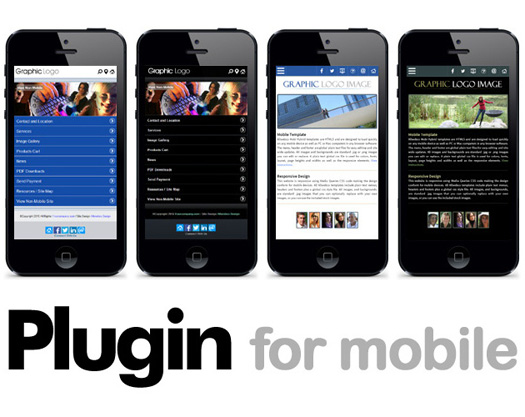
mobi-Hybrid® Website Templates
Support for Allwebco Design templates
Support and setup info for Allwebco mobi-Hybrid® web templates.
Recommendations:
When setting up a mobile website, the following are some items to keep in mind.
- See Responsive Editing Tips & Off-Line Testing
- Keep your images small in size and kb size. The recommended page size for mobile sites changes all the time but try to keep each page under 500kb or 1/2 meg.
- Any items like videos, Flash animations, Javascripts and other scripts should not be added to the homepage (index.html) to maintain compatibility on the most devices and computers.
- You can split your site for mobile or computer users by adding links on the home page that give viewers the option to view your site in high or low bandwidth. A copy of the mobi-Hybrid® template can be placed in a subfolder on your website. This copy could be for the "mobile only" viewers and the main site can be for computer and fast connection viewers.
See also adding a mobile version site
Testing The Mobile Responsiveness:
You can test your website to see how "Mobile Ready" it is by using the Google Mobile Friendly Test or Pagespeed Insights. The default download of all Allwebco mobi-Hybrid® templates passes these tests.
mobi-Hybrid® Template Notes:
The following notes explain better the function of mobi-Hybrid® templates.
- HTML5 is used for higher device and computer compatibility. Templates can be converted to XHTML, however, this is not supported due to problems it may cause in some devices and/or computers.
- mobi-Hybrid® templates are less than 250kb on each page other than the gallery page. The recommended page size is around 500kb max at this time and you should try to keep your page size even less for fast load times.
- mobi-Hybrid® templates are not mobi templates, but rather they are a hybrid and will most likely not rate higher than 4.0 at ready.mobi. mobi-Hybrid® templates are intended for compatibility on the most devices rather than exclusive viewing on mobile devices. A normal, non-mobile website will most likely rate a 2 or lower. A "full mobile" site will rate perhaps a 4 or above.
- When testing as mobile ready you may find a MIME error in your template. A MIME type "application/vnd.wap.xhtml+xml" or "application/xhtml+xml" may be suggested. This MIME type is for mobile only sites. As this template is a "mobi-Hybrid®" it uses a compromise MIME type so it will work properly on the largest number of devices and computers. Regarding the MIME type, it is not important that it be "mobile only" to be viewable on a mobile browser. The MIME type used in the template is the correct type for a hybrid template and will allow your site to be viewable on the largest number of different device types.
- You can use any mobi-Hybrid® template on a .mobi domain for a full mobi site, however, you would then need to maintain 2 websites. One for mobiles and one for computer viewers. Using a .mobi domain will not effect the rating shown at mobiready.com but may allow for other advantages such as listing in mobile site only directories.
- Keep in mind that the ratings at ready.mobi give a general idea how to make your site more compatible. Due to the vast number of devices in circulation and the number of new devices added every month you may find even a high rating will not make your site 100% compatible and may not be necessary. For example; on an iPod with WiFi, the size of your site in kb will have little effect, whereas on a Blackberry mobile phone with a poor connection your site may load slowly. You must decide what is the most important when setting up the site and adding items and try to balance the website.